What a restaurant loses when its reservation service shuts down, and how to make sure it does not happen again
Quandoo is not the first intermediary to close and will not be the last. What really disappears with it, what can be saved and by when, what to check in the export, and three rules for next time.
In March 2026 Quandoo announced it was ceasing operations: new reservations are accepted until 30 September 2026, and on 31 December 2026 the website, app and infrastructure are switched off (quandoo.de/important-update; Verdict Foodservice, 26 March 2026). Restaurants that had taken reservations through it for years were given a few months' notice and one uncomfortable question: which part of all this is actually ours?
This guide is not about Quandoo. It is about what happens to any restaurant when the intermediary holding part of its business disappears, and how to set yourself up so that next time it is an inconvenience, not a crisis.
What disappears
When a service closes, it is not just the software that goes. Things you built over years disappear, because you never wrote them down anywhere else.
Guest history
Who came, how often, with how many people, what they asked for: that is what a regular guest's card keeps in one place. It is the most valuable thing a restaurant owns, and most often it exists only inside someone else's system. Without it the next system starts from zero, and the guest who comes every other Saturday is a new guest in it.
Reviews and rating
Reviews collected on an intermediary generally stay with the intermediary. An average of 4.7 from a hundred reviews does not move anywhere. That is why reviews on your Google Business Profile are worth more in the long run than reviews on any portal: the Google profile remains when the portal closes.
Search traffic
If guests reached you through the intermediary's page, that page closes with it. The traffic that went there does not transfer to you automatically; it vanishes. If you built your own website in the meantime, that part of the traffic stays, because Google knows your address and not only theirs.
The guest's habit
A guest who learned to book one way has to learn a new one. Some of them simply call the restaurant next door that is still on the service they know. That shows up in no export and no spreadsheet, and you feel it in October.
What can be saved, and by when
With Quandoo the deadline is clear: according to the trade portal Tageskarte (1 April 2026), data export for restaurant partners is available until 31 December 2026, and partner contracts end automatically on 30 September. Reservations guests already made for dates after 30 September remain valid and the restaurant receives their details (quandoo.de/important-update). The order of moves by date is in the guide Quandoo is shutting down: deadlines and a five-step plan.
With any other service the rule is: export your data while the system is still running. Once it is switched off there is technically nothing left to export from, however much the law is on your side. If there is no export button in the interface, send a written request to their data protection contact and state a deadline.
How much right you have depends on how the service was set up. If it processed your guests' data on your behalf, so that you are the controller and it is the processor, the processing agreement under Article 28 of the GDPR must provide that the data is returned to you or deleted at the end of the service, at your choice. If the intermediary is an independent controller for guests who registered with it, you do not have that right and you get only what the interface offers. Do not guess: open your contract and read what it says under data processing.
What to check in the export
An export that does not contain the following is not complete:
- the guest's name and contact details, phone and email
- the date and time of every reservation and the party size
- notes attached to the reservation: allergies, special requests, table by the window
- a flag for whether the guest showed up or not; no-show history is worth more than any review
- marketing consents, if you collected them; without them you may not send the guest offers
Open the file and count the rows. If the interface says you have 4,000 reservations and the export has 900, request the rest in writing, with a date.
Three rules so it does not happen again
1. Reservations arrive at your address
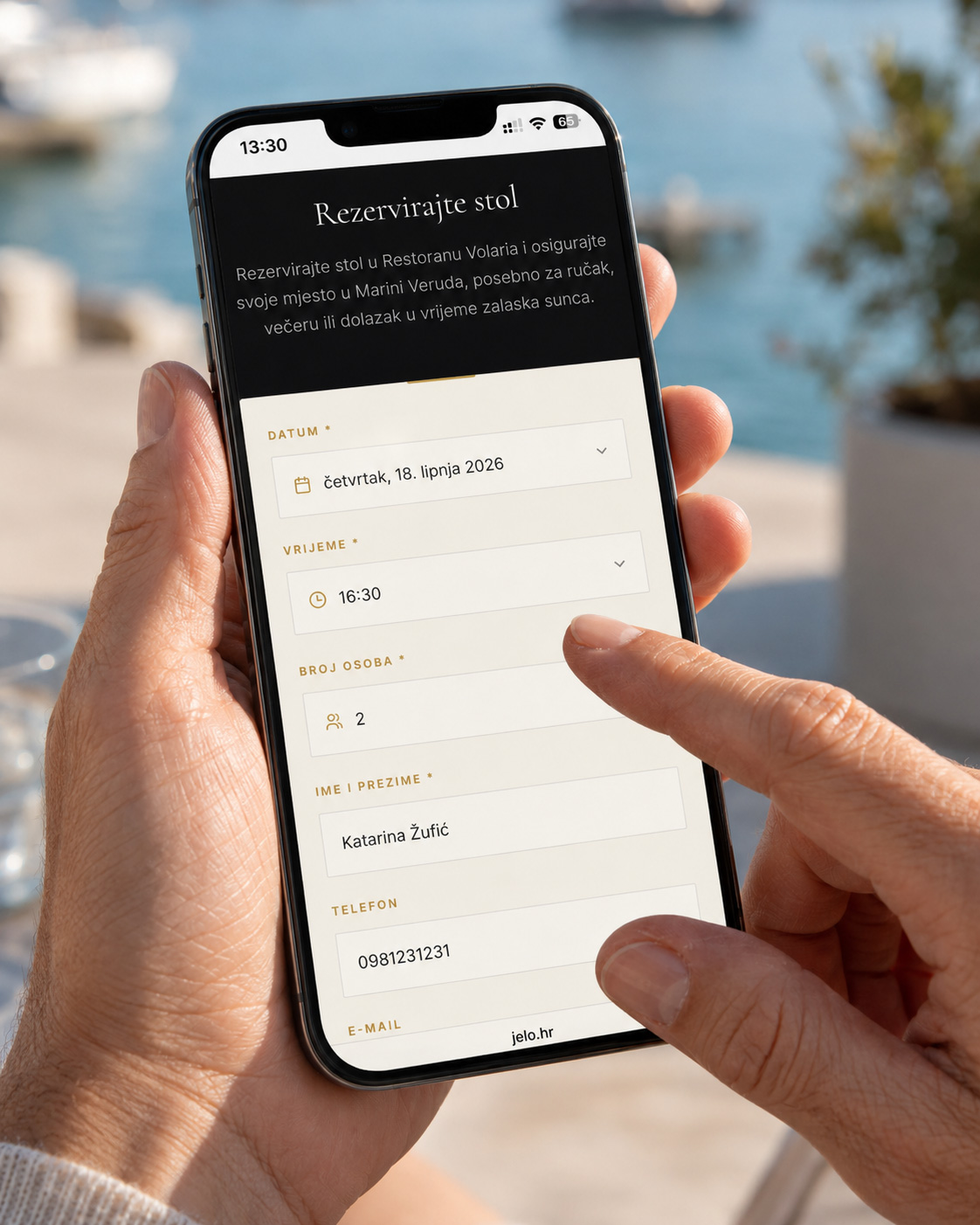
The reservation form should sit on your website, on your domain. Portals are an extra channel, not the main one. When a portal disappears, your site keeps working, guests still know where to find you, and the link in your Instagram bio and the QR code on the table do not go dead. On jelo.hr, online reservations run through the restaurant website, which can sit on your own domain; how that works in practice is in the guide Reservations on your own domain.
2. Data is exported regularly, not in a panic
Once every three months export the guest and reservation list and keep it yourself, in two places. It takes five minutes. The value of that habit shows exactly once, on the day you need it. Put a reminder in the calendar for the first day of each quarter.
3. The contract must have an exit
Before signing, check three things in writing: whether you can export your data at any time, in what format, and what happens to the data after the contract ends. If the answer is not clear and written, that is the answer. The same applies to cost: a service that charges per guest has a built-in reason to keep the guest database with itself, because every return of that guest is charged again. With a fixed subscription, for example DISH Reservation at €25 per month plus €50 activation (dish.co/HR/hr, September 2026) or jelo.hr from €39 per month plus €99 activation, there is no such reason.
Honestly, about us
Jelo.hr is also an intermediary between you and the guest, so what applies to others applies to us. Here is how we have set ourselves up:
- the restaurant website goes on your domain if you have one, so the links you publish stay yours
- reservations arrive on your website and your profile, and the confirmations and reminders go to the guest under your name
- guests, visit counts and notes are kept in your admin area, not in a database the guest shares with other restaurants
- we charge a fixed €39, €59 or €99 per month, nothing per guest; we have no reason to "hold on" to your guest
Ask us the question about data export and about what happens after the contract ends too, in writing, before signing. That does not mean we are eternal. It means that if one day we are not here, you leave with what you built.
Next step
If you take reservations today through a service that is closing, export the data first and only then choose. You can use all Pro functions of the jelo.hr system free for seven days, no card required, and setup takes one day. Plans are on the pricing page, and for a proposal with your tables and your menu get in touch through the contact page.