Notebook, Google form or reservation system: when switching actually pays off
The notebook is not backward and for some restaurants it is still the best choice. Here are the conditions under which that holds, what a Google form can and cannot do, and five signs the old way costs more.
Most articles about reservation systems start from the assumption that the notebook is the problem. It is not. For some restaurants it remains the cheapest and fastest solution there is. This article compares three ways of taking bookings, the notebook, a Google form and a system, by what each actually does, what it costs and at which point it stops being enough.
When the notebook is better
The notebook wins when all of the following are true at the same time:
- you take fewer than a dozen bookings a day,
- almost all of them come by phone, while someone is at the bar or reception anyway,
- you have one room and tables everyone knows by heart,
- there are no shifts, the same person keeps the overview from morning to night,
- guests are mostly local and come back, so staff remember them without notes.
In that situation a system solves a problem you do not have and adds a step that slows you down. Do not pay monthly to work more slowly. The rest of this article applies only once one of those conditions fails.
What a Google form can and cannot do
The form is the step in between: the guest fills in the fields, you get an email. It is free, takes half an hour to set up, and for a restaurant that takes few bookings in advance it is a reasonable start. But there are three things the form does not do.
- It does not check availability. The form does not know how many tables you have. It will happily accept fifteen requests for Saturday at 8 pm, and someone has to sort them out by hand and call the guests who will not fit.
- It does not confirm to the guest. The guest has sent a request and is waiting. Until someone replies, the booking does not exist for them, so some people book elsewhere in the meantime.
- It does not remember. Every request is a new email. After a month you have a hundred emails, not a guest list.
The form stops being reasonable the moment you start calling guests to tell them there is no room after all. That call costs more than any subscription.
What a system adds
A reservation system does what the form cannot, without manual work from staff. With online reservations the guest picks a date, time and party size, the system instantly checks free tables against the table layout (capacity of each table, booking duration, turnaround gap) and sends an email confirmation. If the slot is taken, the guest immediately sees up to three alternative times. The restaurant is notified the same moment, and bookings that come by phone are entered by staff into the same calendar.
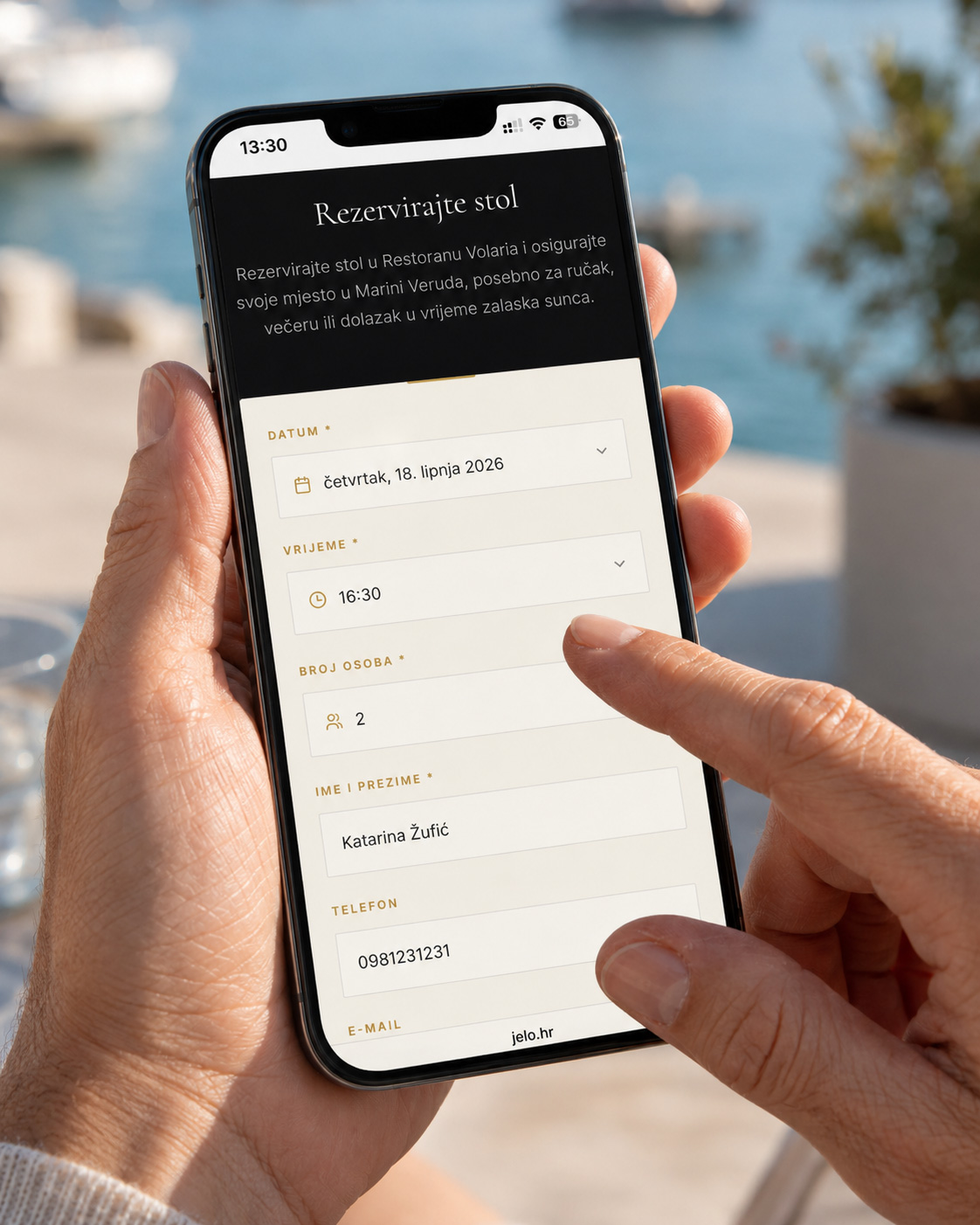
In the Pro plan this is extended by a reminder the day before and a guest profile with visit count and notes that fills itself in. These are things neither the notebook nor the form can physically do.
The comparison in numbers
- Notebook: €0 per month, 0 minutes of setup. Availability is checked by whoever holds the book. Works only while the restaurant is open.
- Google form: €0 per month, about half an hour of setup. Nobody checks availability until someone reads the email. Works 24 hours, but the guest waits for a reply.
- System: according to the price list on dish.co for Croatia (September 2026), DISH Professional Reservation costs €25 per month excluding VAT plus a one-time €50; Eat App, according to the price list on restaurant.eatapp.co (September 2026), has a free plan up to 100 guests per month, and its Lite plan costs $99 per month or $69 with annual billing; jelo.hr starts at €39 per month for Start and €59 for Pro, with a €99 activation and no commission per guest. Setup takes up to 24 hours. Availability is checked by the system, 24 hours a day, with an immediate confirmation to the guest.
The difference between €0 and €39 is real. The only question is how many bookings a month you lose to a form that does not confirm and a notebook that does not work at 11 pm. If an average booking brings in €50, one or two extra bookings a month cover the subscription.
Five signs the old way is costing you
- A double booking more than once a season. That is not bad luck but a structural error, and the price is a guest who waited at the door and told others about it.
- Missed calls during the rush. Count them on the restaurant phone over one weekend. Each one is a booking that went to someone else.
- Requests outside opening hours. If guests message you on Instagram at 11 pm, they would book themselves if they could.
- You do not know who comes back. Who has been five times, who has not shown up twice, who celebrates a birthday with you every year. That information makes money and disappears with every page.
- Staff turnover. When the table layout and the habits of regulars live in one person's head, every departure is a loss. A system keeps that knowledge outside of heads.

How to check without risk
Do not change the way you work overnight. New venues get all Pro features free for 7 days, no card required, so you can run both in parallel: the notebook stays on the bar, the form sits on the website. After two weeks, count how many bookings came through the form and how many arrived outside opening hours. If the number is small, keep the notebook and save the money. If it is not, you have answered your own question.
Restaurant Volaria in Veruda marina, with around 130 seats and guests from the boats and the town, went exactly this way: bookings now arrive online, staff see them on a tablet next to the table layout, and confirmations and reminders go to guests on their own.
See what each plan includes or send an enquiry and we will show you how the system would look with your tables and your booking volume.